





Custom Programming

Custom API Programming

Let your systems handle the day to day while you focus on your business.

Untitled design (34)

AI Integration

Add the Power of AI to your services
Online Fax Services

Core

A business phone system for everyday calling.

Advanced

Calling tools with additional automation, monitoring, and insights.

Ultra

Voice, video, messaging, and fax in one communications suite.

Have a question? Call (888) 690 0967
Try Free
Try Free
Try Free
End-to-end encryption for calls (beta)
Emergency calling (E911)
Desk phone & conference phone rentals
Incoming caller ID
Call queues
Basic
Advanced rules and routing
Call recording
On-demand
Automatic / on-demand
Up to 8-digit extensions with site codes
Receptionist and admin console (heads-up display)
Advanced call monitoring including whisper, barge, and monitor

Online Fax Features

Attach documents from supported cloud storage services, including Dropbox, iCloud, and Google Drive.

Sign on a supported mobile device or add a saved signature to your fax document.

Store and access sent and received faxes online for the life of your account. Use keyword tags to organize and find documents.

Review the encryption, access, and documentation options available with eFax Protect against your organization’s requirements.

Use supported mobile apps to receive, sign, and send faxes from a smartphone or tablet.

Fax Security and Compliance Requirements

Generated with Avocode.logo-HITRUSTHITRUST ColorGroup 32923Path 21026Path 21027Path 21028Path 21029Path 21030Path 21031Path 21032Path 21033Path 21034Path 21035Path 21036Group 32924Path 21037Path 21038Path 21039Path 21040Group 32926Group 32925Path 21041Path 21042Path 21043Path 21044Path 21045Path 21046Path 21047Group 32927Path 21048Path 21049

Explore secure faxing options for healthcare and other regulated industries. Our team can help you review the service, configuration, and documentation relevant to your requirements.

  • Available encryption and access controls
  • Account portal, desktop, and mobile access options
  • Document management and searchable PDF features

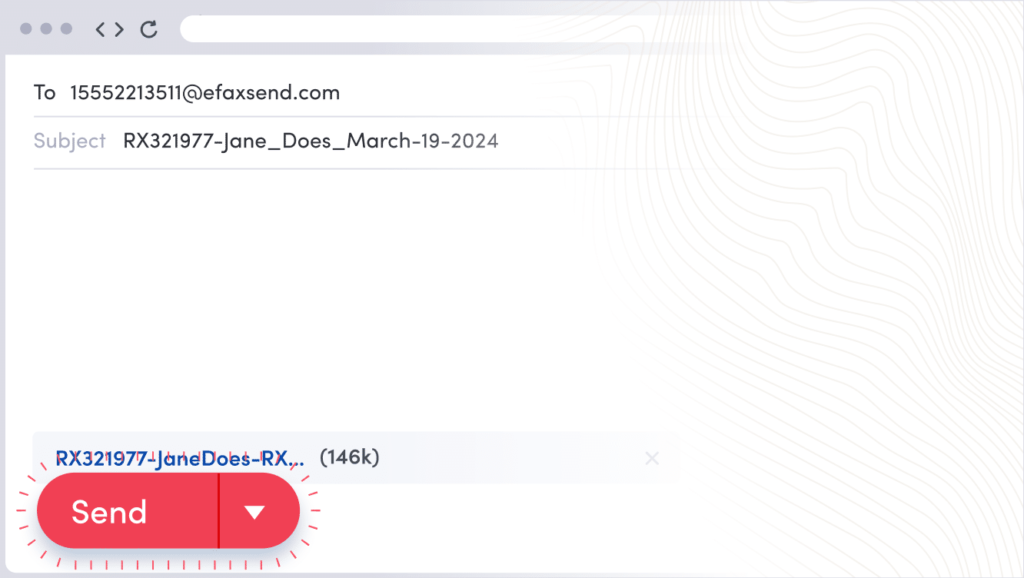
Send a Fax by Email in Three Steps

Use email to send a document through a supported eFax account.

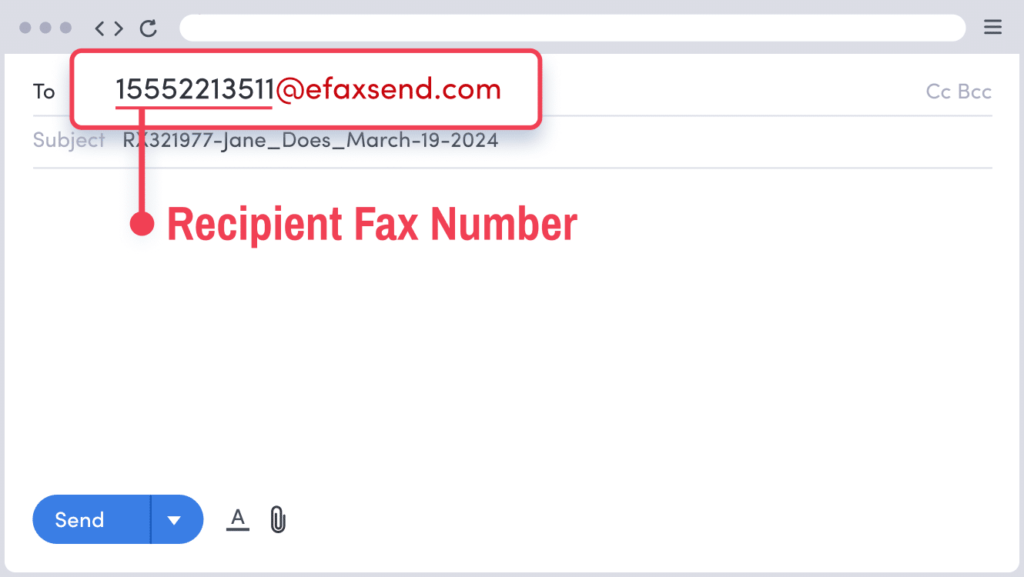
1. Address Your Email

Enter the recipient’s fax number followed by @efaxsend.com.

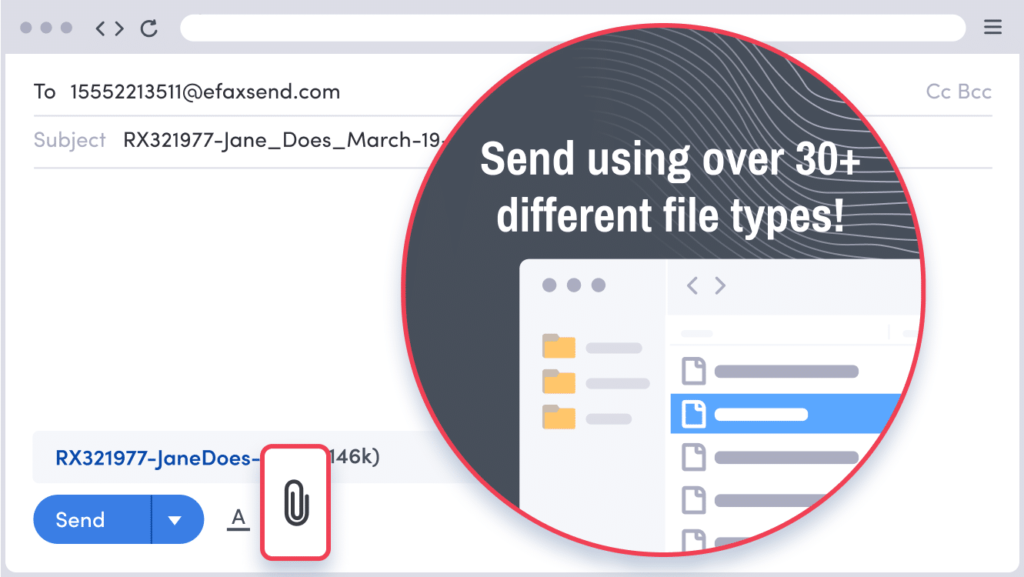
2. Attach Your Document

Attach the document you want to fax.

3. Send Your Fax

Review the recipient and attachment, then select Send.

Receive incoming faxes as email PDF attachments. You can also manage supported fax services through the web portal or mobile app.

Fax Online with eFax

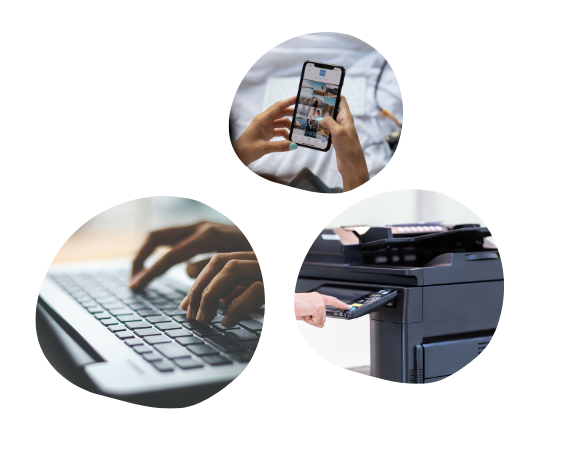
Receive Faxes by Web, Email, or Mobile App

Access incoming faxes through your supported online account, email, or mobile app.